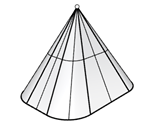
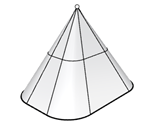
ExtrudeSrfToPoint
| Toolbar | Menu |
|---|---|
|
|
Solid Extrude Surface> Extrude Surface to Boundary> To Point |

The ExtrudeSrfToPoint command creates a solid by tracing the path of the surface edges tapering to converge at a selected point.
- A planar surface extrudes vertically to the surface plane by default. If the surface is not planar, the default extrusion direction is the z direction of the active CPlane.
-
The extrusion preview direction in the viewport defines the positive direction for distance input.
Command-line options
Solid
If the profile curve is closed and planar, both ends of the extruded object are filled with planar surfaces and joined to make a closed polysurface.
DeleteInput
Controls whether the original geometry is deleted.
 DeleteInput=No supports History.
ToBoundary
Extrudes the object to a boundary surface.
SplitAtTangents
Controls whether tangent points on the input surface boundary are extruded as joined edges or as surface kinks on the side surfaces.